
StripePayments & billing
BetaInvoicing software for Austrian SMEs and freelancers
Create and send invoices in minutes.
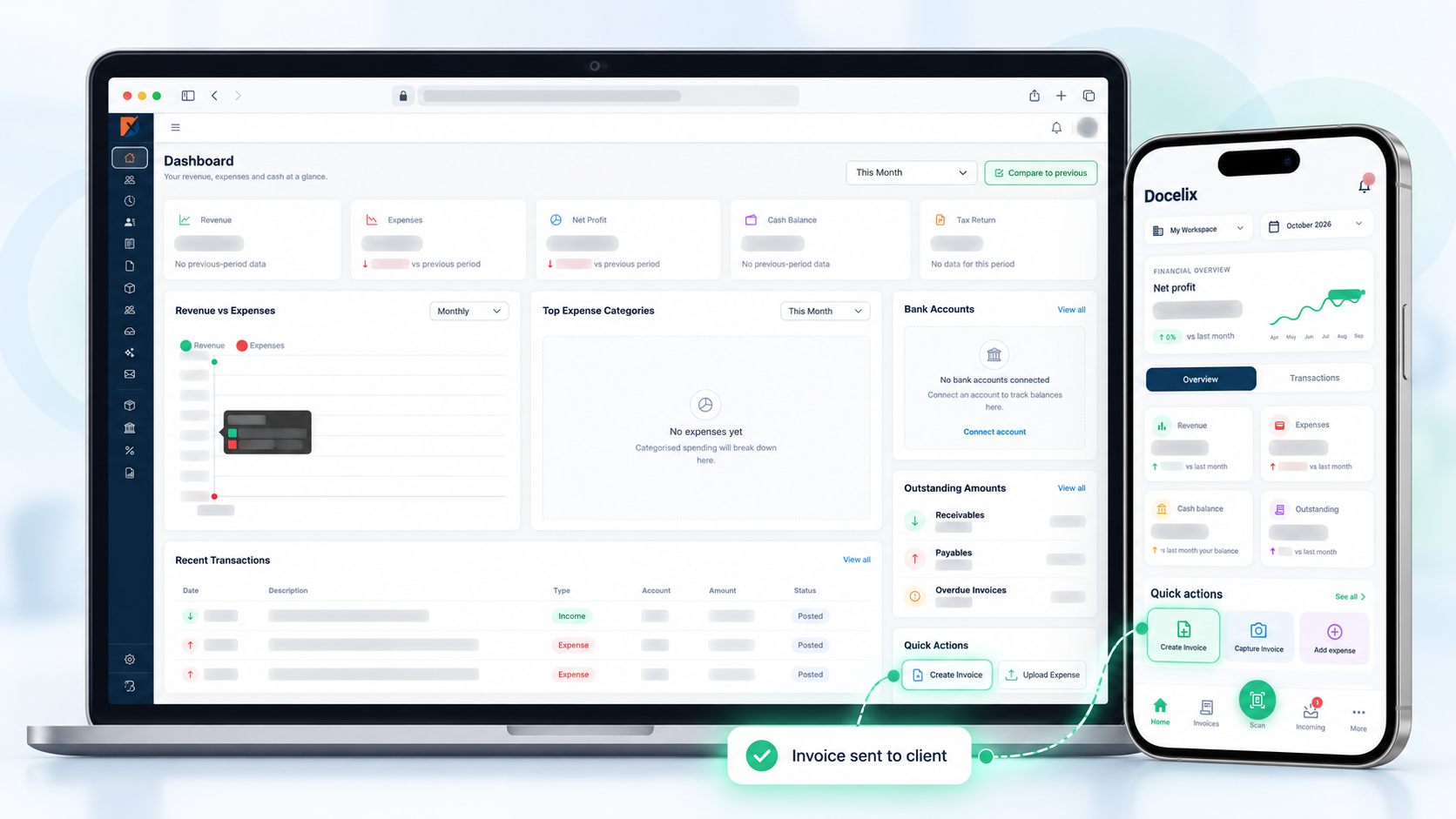
Create quotes and e-invoices, process incoming documents, and keep payments in view. Prepare tax information with your tax adviser.
Controlled accessPersonal onboarding
Calculate VAT with clarity.
Choose a country and rate, enter an amount, and get an instant estimate for your invoice or possible VAT due.
VAT amount€200.00€1,200.00 including VAT
- Net
- €1,000.00
- VAT · 20%
- €200.00
- Gross
- €1,200.00
Estimate for Austria: the correct rate depends on the goods or service, place, and nature of the transaction. Reduced rates apply only to eligible cases. Cross-border sales, reverse charge, exemptions, input-tax adjustments, and special schemes are not included. See official rate information ↗
01
Prepare faster
Reusable client and item data shortens the path to a finished document.
02
See payment status
Open receivables and payables stay visible in their full context.
03
Collaborate with control
Roles and permissions give each person the access they need.

Cash register & finance
Keep checkout and finance connected.
The planned Docelix cash register is designed to connect checkout workflows with Docelix finance. An integration with fiskaly SIGN AT is planned for Austrian RKSV signing.
- Record sales and payment methods at checkout
- Sign receipts and monitor register status
- Prepare cash sales for Docelix finance workflows
One connected flow
From setup to a dependable overview.
Docelix connects the daily steps without hiding the review points that matter.
- 1Set up the company
- 2Add clients & items
- 3Create quotes & invoices
- 4Process incoming documents
- 5Review finance & reports
One AI-assisted finance workspace
From sales to tax preparation.
Docelix connects sales, purchases, inventory, the planned Austrian cash register, banking, accounting, and automation with a visible availability status.
01Beta
E-invoicing
Create and distinguish PDF, XML, ZUGFeRD, standard UBL, and B2G PEPPOL UBL.
Explore workspace02Coming soonAustrian cash register
Manage sales, cash receipts, and RKSV workflows directly in Docelix in the future.
Explore workspace03BetaBanking & accounting
Import bank data, reconcile transactions, and prepare double-entry bookkeeping.
Explore workspace04BetaIncoming invoices
Capture through email and OCR, bulk-upload more than 100 PDFs or images, or take a mobile photo.
Explore workspace05BetaFinance overview
See receivables, payables, cash flow, P&L, and balance sheet information.
Explore workspace06AvailablePayments & reminders
Keep due dates, reminders, and overdue invoices visible.
Explore workspaceIncoming invoicesExplore workspace
The source and its data. Side by side.
Docelix assists with capture and makes comparison easy. You retain control before anything is saved.
- 1Upload
- 2Extract
- 3Compare
- 4Correct
- 5Assign
- 6Save
Extraction supports data entry. Professional verification remains a human responsibility.
NORTH
STUDIO
INVOICESTUDIO
Total€ 1,248.00
Extracted dataReady for review94%
Category & accountExternal services · 4900
Operational capabilities
The practical steps that keep finance work moving.
Every capability links to its workspace and clearly shows whether it is available, in beta, or planned.
Deliver invoices through connected company emailAvailableGenerate PDF, ZUGFeRD, UBL, and B2G PEPPOL UBLBetaApprove outgoing invoices before deliveryBetaApprove supplier invoices before processingBetaSend payment remindersAvailableNotify responsible users about overdue invoicesAvailableUse an Austrian cash register with RKSV workflowsComing soonAccess confirmed workflows from Android and iOSComing soon
Integrations
Connect Docelix with the tools you already use.
Bring payments, email, invoices, and finance workflows together in one structured workspace.
Explore all integrationsGoogle GmailEmail
BetaMicrosoft 365Email
BetaCustom business emailEmail
Betafiskaly & FinanzOnlineCash register & RKSV
Coming soonSolutions for daily work
Less administration. More clarity.
Docelix shapes information and access around the task, from daily operations to professional review.
↗⌁◉◎◇
Quotes & engagements
Templates, delivery, digital signature, and confirmed work in one flow.
Explore solutionFreelancers
Quotes, invoices, and reminders in one clear flow.
Explore solutionBusiness owners
Documents, payments, and finance in one clear overview.
Explore solutionSaaS & online sales
Review Stripe invoices, track payment status, and prepare data.
Explore solutionAustrian invoicing
Prepare VAT, small-business notices, and e-invoices with structure.
Explore solutionConnect your tax adviser
Controlled access and reviewed documents in the right context.
Explore solutionFinance teams
Structured operations with unambiguous ownership.
Explore solutionProduct FAQ
Clear answers about essential finance workflows.
Which e-invoice formats does Docelix support?+
The beta covers PDF, ZUGFeRD PDF and XML, standard UBL XML, and B2G PEPPOL UBL downloads. Direct transmission is not confirmed as generally available.
Can Docelix import and reconcile bank data?+
Bank-statement import, transaction review, and ledger assignment are labelled Beta. Specific banks, formats, and account types must be confirmed before activation.
Does Docelix support double-entry bookkeeping?+
Docelix includes ledger and journal workflows for double-entry bookkeeping. The beta requires appropriate setup and professional review.
Can I approve invoices and send payment reminders?+
Payment reminders and overdue status are available. Incoming and outgoing approvals are labelled Beta and depend on roles and configuration.
Does Docelix automatically file tax returns?+
No. Docelix supports preparation and review of VAT and corporate-tax information. Direct filing is not confirmed as generally available.
Is Docelix available for Android and iOS?+
Mobile applications are announced but not generally available. Scope and release timing will be published after product approval.
Ready for calmer finance operations?
See Docelix through your own workflows.
In a personal demo, we focus on the workspaces that matter to your business.